
GUIDED TROUBLESHOOTING · Remote and wall control
Remote not working
Separate a remote problem from an opener problem, then check lock mode, the battery and model-specific programming. Start with safety before attempting any checks.
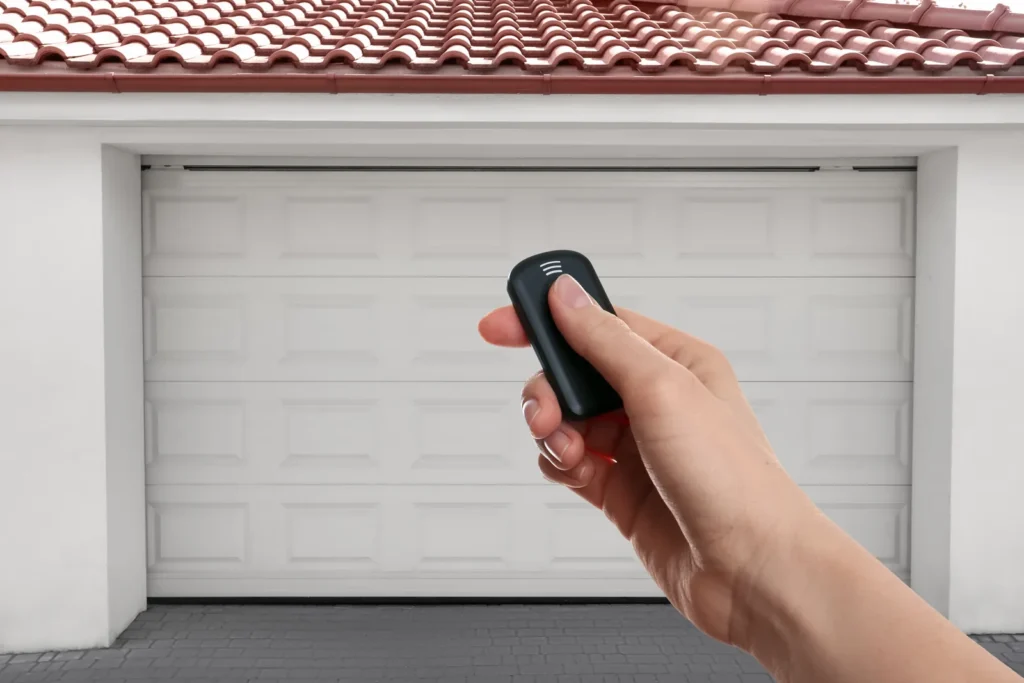
Keep everyone away from a crooked, falling, jammed or damaged door. Do not pull its emergency release, move it by hand, adjust springs or cables, or override safety sensors.
QUICK ANSWER
What to check when a garage-door remote does not work
First determine whether the wall control operates the door normally. If it does, check the opener’s lock or vacation setting, whether other programmed remotes still work, and the affected remote’s correct battery and polarity. Reprogram only with instructions for the exact opener and remote. If the wall control also fails, the door behaves unsafely or every wireless control remains unresponsive, stop treating it as an isolated remote problem.
SAFE FIRST CHECKS
Separate the remote from the opener.
- Confirm the door looks stable and the doorway is clear. Use one normal wall-control press while the entire opening is visible.
- If the wall control works, check its lock, vacation or Sure-Lock setting using the exact opener manual.
- Note whether this remote worked before and whether another programmed remote works from the same safe location.
- Use the remote’s instructions to confirm the battery type and polarity. Keep loose batteries away from children and pets.
- If the remote is compatible, follow the exact model-specific programming steps once; do not repeatedly erase opener memory.
STOP AND GET HELP
Do not continue if:
- The wall control also fails, works only when held or produces unsafe door behavior.
- The door is crooked, jammed, unusually heavy or has damaged springs or lifting cables.
- The remote or battery is swollen, leaking, corroded, damaged or cannot be identified safely.
- All controls remain unreliable after the documented lock, battery and programming checks.
Do not open the motor housing, alter wall-control wiring, erase every programmed device repeatedly or buy a logic board based on this symptom alone.
MATCH THE BEHAVIOR
What the control pattern can tell you
The wall control works, but every remote fails
Lock mode, shared interference or an opener-side wireless issue may be involved. The symptom alone does not establish that the receiver or logic board has failed.
Another remote works from the same place
The affected remote’s battery, programming, compatibility or condition becomes more plausible, but confirm the exact remote model before replacement.
The replacement remote has never worked
Compatibility and programming method come first. Similar appearance or branding does not prove that a remote works with the opener’s generation.
The remote works only from very close range
That is a range problem rather than a total failure. Check the battery and possible radio or opener-light interference in the range guide.
SOURCES AND NEXT PATHS
Use the exact opener manual.
Lock names, battery types, learn-button steps and compatibility rules differ by opener and remote generation. Use the instructions for both exact model numbers.
Reviewed September 27, 2026. This guide organizes safe observations; it does not diagnose a failed part.
INTERACTIVE GUIDE
Walk through the checks one question at a time.
Your answers remain only in this page and can be copied as a summary at the end.
Loading the guide…
If the questions do not appear, use the manufacturer resources alongside this guide or contact a garage-door technician.